Questions to ask before opening Figma
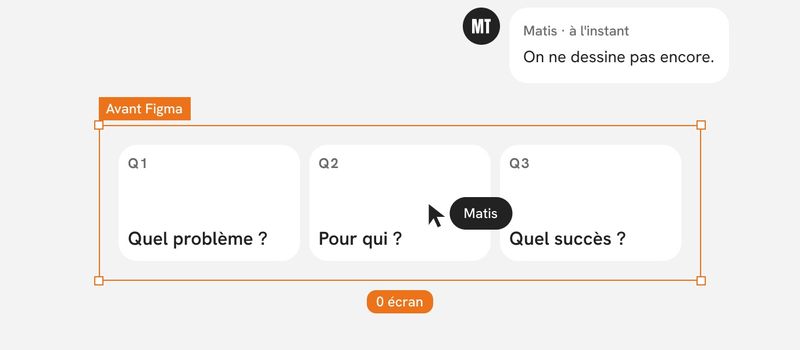
Opening Figma too early means answering before you've understood the question. Here's the list of questions I go through before designing a single screen, who I ask them to, and how I know I have enough answers to start.
Why a checklist instead of intuition
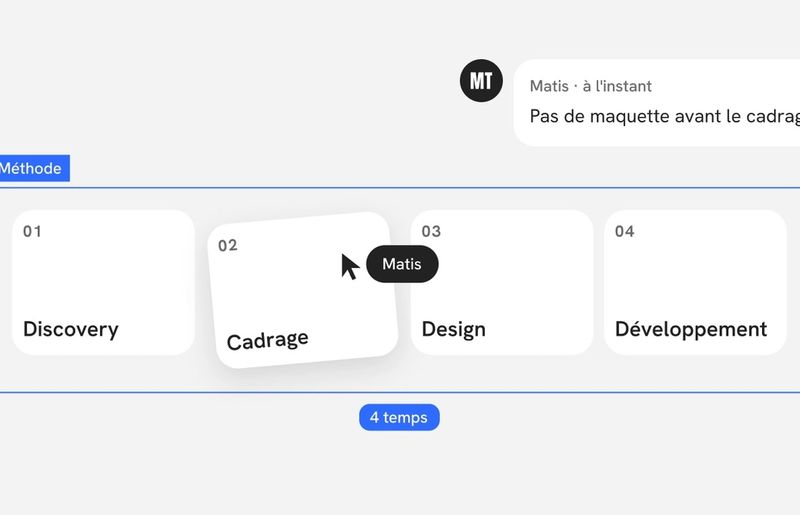
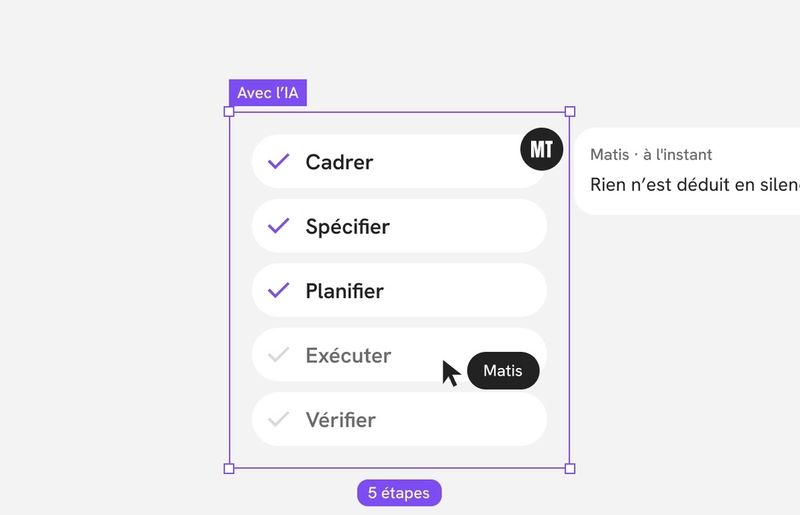
I've already explained my rule: no mockups before the problem is stated. The question is how you get there. With experience, you think you can skip this part. You recognize a type of project, you guess the request, you start designing. That's exactly where costly mistakes show up, because every project looks like the previous ones until the moment it doesn't.
A written list has two advantages. It keeps you from skipping a question out of overconfidence. And it makes missing answers visible: an empty box gets noticed, a vague hunch doesn't.
I sort my questions into six groups.
1. The problem
- What actually happens today? Not the desired solution, but the current situation: who does what, with which tool, and where things get stuck.
- What's triggering the project now? A recurring complaint, lost customers, a new offering, a leadership decision. The trigger often says more than the brief.
- What happens if we do nothing? If the answer is “not much,” the project may not be a priority.
- Is the request about a problem or a solution? “We need a dashboard” is a solution. The problem might be that managers don't know where their operations stand.
At Nanotera, it was interviews about the real situation that shifted the focus: the job wasn't to add features, but to bring together tools scattered between headquarters and the stores.
2. The users
- Who uses the product, and who decides to buy it? They aren't always the same people, and their expectations can conflict.
- How familiar are they with the subject? A specialist wants to move fast. A non-specialist wants to be guided. At Adcleek, designing for people who aren't digital marketing specialists shaped everything else.
- In what conditions do they use the product? At the office, in the field, on mobile, in a hurry, interrupted. On Xola, the flows had to work on desktop, mobile, tablet, and in-store kiosks.
- What holds them back? Not just what bothers them in the interface, but what stops them from acting. On Opt Health, the barriers were embarrassment, fear of being judged, and worry that the service wasn't trustworthy. They became the lens for every decision.
3. What already exists
- Does the product already exist, and who uses it? A redesign doesn't have the same constraints as a new product. Established habits shouldn't be broken without a reason.
- What data is available? Usage analytics, support requests, feedback from sales teams. What already exists saves you from redoing research.
- What has already been tried? An idea dropped two years ago was often dropped for a reason worth knowing.
- Is there a design system, even a partial one? It determines whether I work with what's there or lay down new foundations.
4. Constraints
- What's the deadline, and is it fixed? A trade show, a contract, a campaign. A fixed date changes how you break down the work.
- What are the known technical limits? An API to connect to, a mandatory third-party tool, a technology already in place.
- Who's building it, and with what capacity? An available in-house team, a contractor, a remote team. It changes the level of detail to deliver.
- Are there regulatory or brand constraints? Personal data, the healthcare sector, mandatory brand guidelines.
5. Success
- How will we know the project succeeded? One observable sentence: fewer drop-offs at a step, fewer support requests, a task completed without help.
- Who will judge that success? If it's the sales leadership, you need to know their criteria before designing, not after.
- What would count as a failure, even if everything ships on time? This question often brings out what's really at stake.
6. Scope and decisions
- What's out of scope? It's the most useful question on the list, and the least asked.
- Who approves, and at which stages? Knowing who has the final say saves you from redoing a set of screens approved by the wrong person.
- What do we keep, and what do we drop? In a redesign, some parts need to stay untouched. Better to know before redesigning them.
Who to ask
No single person has all the answers. So I split up the questions.
- The project sponsor: the trigger, the deadline, the success criteria, the scope, the approvals.
- Users: the current situation, the conditions of use, the barriers. I don't ask them what they want. I ask them to show me how they do it.
- Developers: the technical limits, the capacity, what has already been tried.
- Customer-facing teams: support, sales, customer success. They hear every day what users never say in an interview.
When two people give different answers to the same question, I don't settle it on my own. I note the gap and raise it. A disagreement found before design costs a meeting. Found after, it costs a redesign.
How I ask the questions
A few simple rules make the answers much more useful.
- Ask for examples, not generalities. “Tell me about the last time it happened” gets you facts. “How does it usually go?” gets you opinions.
- Rephrase out loud. Repeating what I understood lets the other person correct me right away.
- Ask why, several times. The first answer is often the solution someone already has in mind. The real problem comes two or three “whys” later.
- Accept “I don't know.” An unknown answer isn't a failure. It's a hypothesis to test, and I write it down as one.
What I do with it: one page, not a report
All these answers fit on one page. No more. It contains:
- the problem, in two sentences;
- the main users and their conditions of use;
- the fixed constraints;
- the success criterion;
- what's out of scope;
- the unverified assumptions, listed separately.
I have the sponsor approve this page before I open Figma. It's quick to read, so it actually gets read. And when a debate resurfaces three weeks later, that's the page everyone turns to.
Signs it's too early to design
I don't start as long as any of these signs remain:
- nobody can say what will change for the user;
- the success criterion is “make it more modern”;
- two decision-makers give different goals;
- the out-of-scope list is empty;
- I haven't talked to a single user, or to anyone who talks to them.
On the other hand, I don't wait until I have every answer. Some will only come from testing a first flow. The goal isn't to know everything, but to know what you don't know yet.
In short
Questions don't slow a project down. They move the thinking to the moment when it costs the least. Before I open Figma, I want to be able to say what problem I'm solving, for whom, within what limits, and how we'll know it worked. The rest is design.